| AI Architectures | |
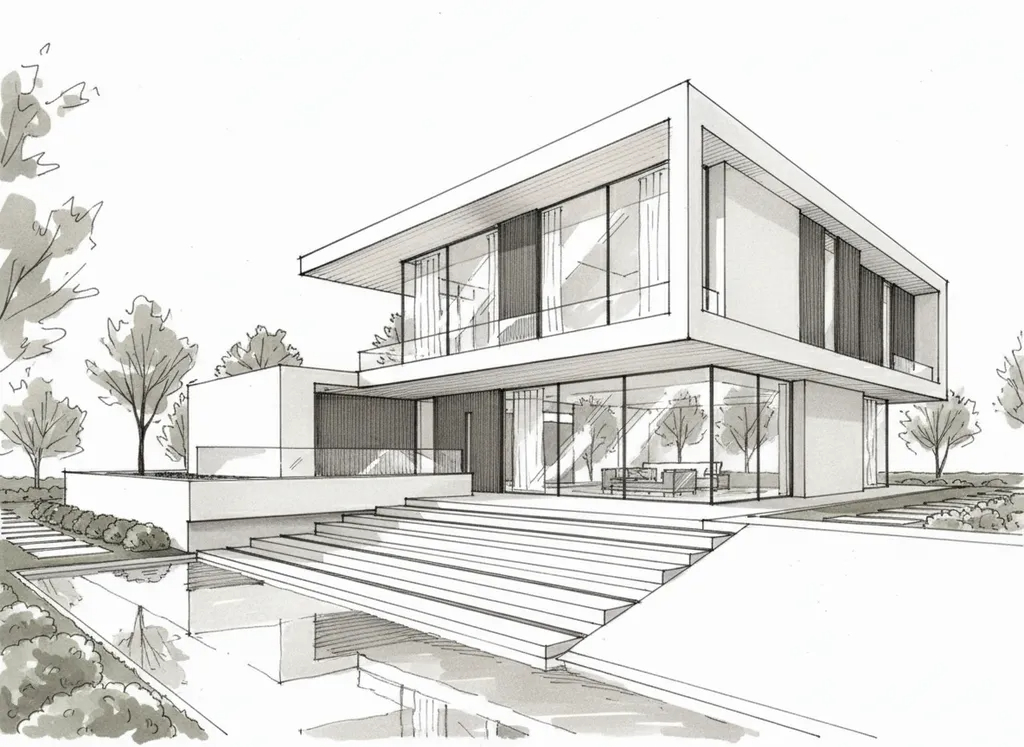 | |
How-to SketchUp model to render, with no render engineSave your view as a Scene so the camera stays locked. Switch to Hidden Line or Monochrome with shadows on, then export a 2D image at 1600 px or wider (File > Export > 2D Graphic). Upload it and describe the finish, for example "warm timber cladding, black-framed glazing, golden-hour light". Change one thing at a time, such as material, style or time of day. Every variant stays directly comparable because the camera never moved. Revit works the same way: set a visual style on a 3D view, export it, upload it, and skip the Ray Trace wait. | |
| |
| P.S. Using Revit, Rhino or ArchiCAD instead? The same export-and-upload workflow applies. | |
| You are receiving this because you signed up for AI Architectures updates. 20Vision GmbH, Anisgasse 30, 1220 Wien, Österreich Unsubscribe |